
Google My Business: A Guide To Google Business Profile
Customers now look for the business listing on Google before they visit, buy or call, so an unclaimed or half-finished listing can send them to a competitor. The question is that how do you get your business listed on Google? It is essential for a strong local presence for businesses in today’s digital world.
Google Business Profile, also known as Google My Business, is a free and powerful tool that allows businesses to appear in Google Search, Google Maps and Google Shopping. When you optimise your GBP, it can help you to increase visibility, drive engagement and attract leads that can make it an essential component of local SEO for small businesses. This blog will guide you through the Google Business Profile, its benefits, creation and optimisation, along with its important questions.
What Is Google My Business?
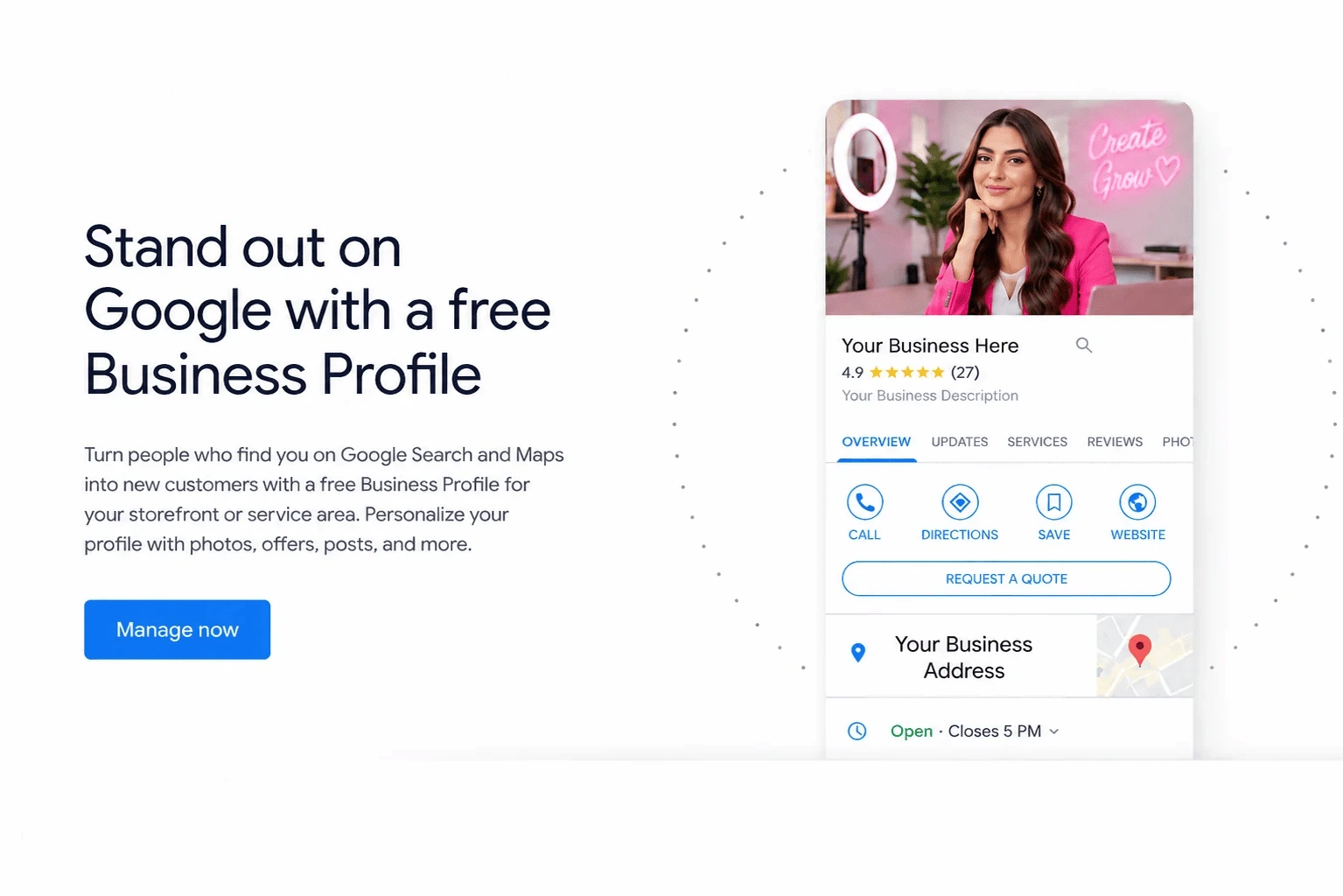
Google My Business Profile is an online listing that can display your business information to potential customers. This allows your business to appear in:
- Google Search Results
- Google Map Listings
- Map Pack or Local Pack results
Google My Business Vs Google Business Profile
Google rebranded Google My Business (GMB) to Google Business Profile in 2021. The core functionality is the same and allows businesses to manage their online presence. GMB profile is now offering streamlined tools for verification, messaging, posts and analytics directly within Google Search and Maps.
Is Google My Business Profile Free?
It is completely free to create a GBP, which makes it an accessible tool for businesses of all sizes to:
- Share accurate business information
- Showcase products, services and promotions
- Engage with customers via reviews and messaging
For example, a local restaurant can display opening hours, menu items, photos of food and presentation and respond to reviews from their GBP dashboard.
Benefits Of Google Business Profile
Small businesses and marketers have numerous advantages when they optimise their GBP. Let’s explore the benefits of Google My Business below.
● Increase Visibility On Google Search And Maps
This can help your business to visible in local search results for queries like “coffee near me” or “plumber in Sharjah.” It can help you to enhance the chances of appearing in the map pack or local pack and help you improve discoverability for geolocated searches.
● Share Accurate Business Information
You can update NAP (Name, Address, Phone Number) consistently across platforms and share operating hours, service area and website. This can ensure that your potential customers find accurate and up-to-date details.
● Gain Credibility With Customer Reviews
It can help you gain positive star ratings and reviews can improve trust. If you respond to reviews, it signals responsiveness and professionalism. Tools like review management platforms or services like a social media management agency can track your feedback.
● Additional Benefits
It can facilitate lead generation through calls, website clicks and directions and also help you to improve user engagement with posts, Q&A sections and photos. You can also showcase products, promotions and services directly on Google.
How To Create A Google Business Page
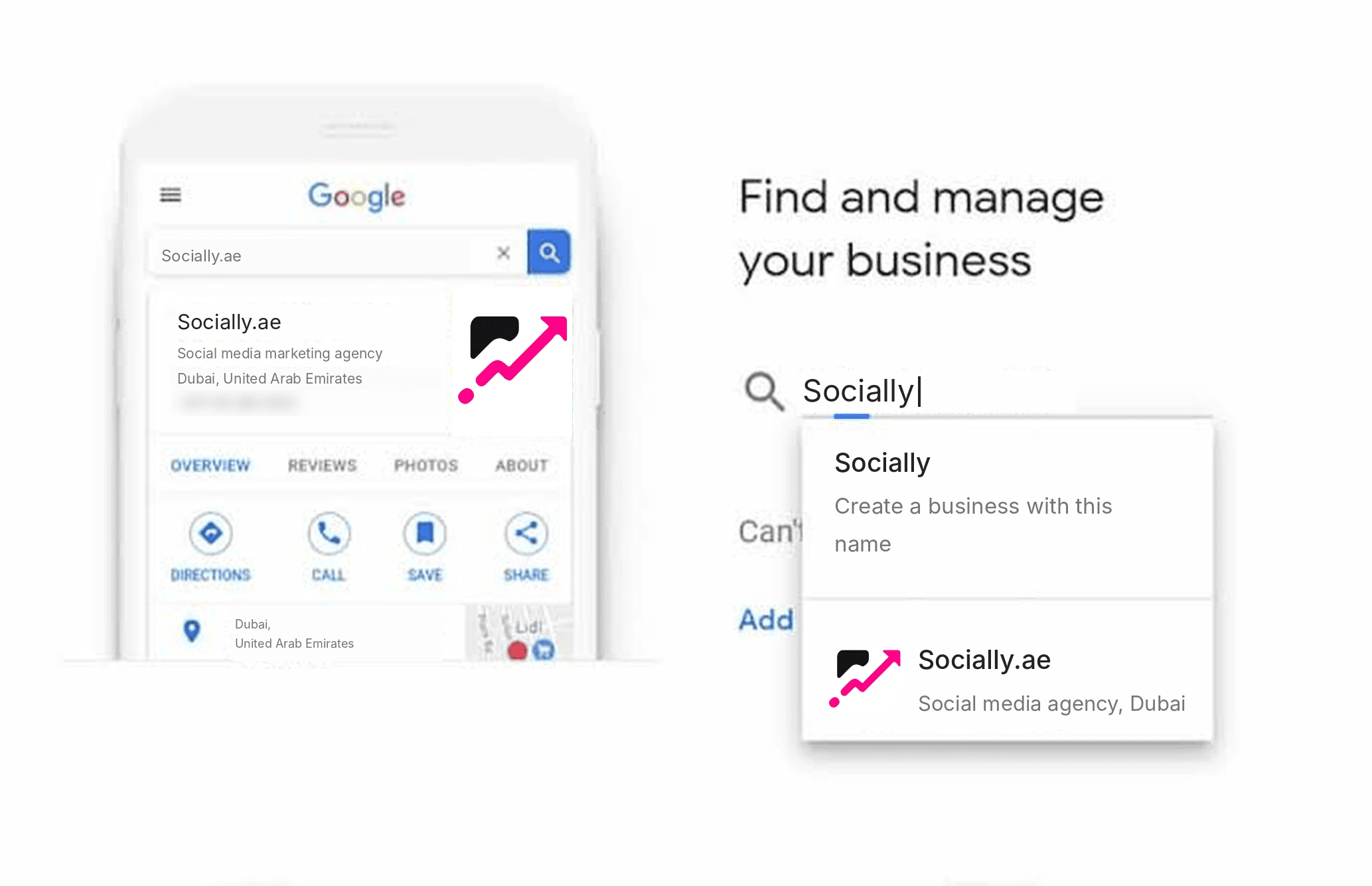
It is not complicated to set up a Google Business Page, but some steps are difficult depending on the different business types.
1. Add Your Business To Google Maps
You first need to sign in to your Google account. Then visit Google Business Profile and click “Add your business” or “Claim this business” if it already exists.
2. Create A Business Account
You should link your business to a Google account for management and make sure it has secure access and can manage multiple users if needed.
3. Enter Your Business Name And Category
You must choose the exact business name as you have used it offline. It is best to choose the most accurate business category to appear in relevant searches.
4. Add Location And Service Areas
You need to provide a physical address or define service areas for delivery and service-based businesses. It will be best to use region-specific keywords for local SEO services.
5. Verify Your Business
Google will offer postcard, email or phone verification. This verification can help you confirm ownership and allow full access to GBP features. It is an important step to start collecting reviews and updating business information.
How To Optimise Your Google Business Profile
It is only the beginning to create a listing. You need to optimise it regularly so customers can understand your services, trust your business and take action. A well-maintained profile can also support local SEO and help Google match your business with relevant searches.
● Write An Engaging Business Description
Your business description should explain what you offer, who you serve and what makes your services worth considering. You should use natural language and include your main services and location.
For example, a digital marketing agency in Karachi can mention its SEO, web development and online marketing services. It is better to avoid stuffing the description with keywords because it can make your content difficult to read.
If you operate a website design service company, you should explain your design expertise, target audience and the solutions you provide. Must keep the description informative instead of promotional.
● Add High-Quality Photos And Videos
Visual content can give potential customers a better idea of what they can expect. You should add genuine photographs of your workplace, employees, products, completed projects and business activities.
A restaurant can upload food photographs, and a salon can showcase its interior and completed hairstyles. Ensure your images are clear, relevant and updated whenever your offerings change.
● Add Products And Services
You should use the products and services sections to explain what customers can purchase or book. Must include accurate names, descriptions and prices of your products and services.
For example, a plumbing company can list pipe installation, leak repairs and maintenance services separately. This can help your customers to understand your offerings before contacting you.
● Collect And Respond To Customer Reviews
Reviews of the customers can influence how potential customers perceive your business. You should encourage satisfied customers to share honest feedback through your review link or QR code.
It is best to respond to positive reviews with appreciation and address negative feedback professionally. You should never purchase reviews or offer discounts in exchange for positive ratings. Google often needs reviews just to reflect genuine customer experiences.
How To Improve Google Business Profile Rankings?
If you know how to list my company on Google, it does not guarantee a position in local results of Google. Your visibility depends on several factors and understanding them can help you to build a stronger local presence.
1. Understand Google Local Ranking Factors
Google identifies three primary factors behind local search rankings that include relevance, distance and prominence.
Relevance refers to how closely your listing matches a search of a customer. Distance considers how far your business is from the searcher, and prominence relates to how well known your business is.
According to official guidance from Google, businesses cannot request or pay for better organic local rankings. You must focus on accurate information, genuine reviews and a complete profile.
2. Publish Regular Google Business Updates
Google allows businesses to publish updates, offers, announcements and event information directly on Search and Maps.
For example, a clothing store can announce a seasonal sale and a restaurant can share a new menu. You need to add relevant photographs, useful descriptions and appropriate links.
Consistency is important for business updates. You do not need to publish every day, but regular updates can keep customers informed about what is happening at your business.
3. Maintain Consistent Business Information
Your business name, address and phone number should remain consistent across your listing, website and other online directories.
You should check your contact information whenever you change locations, telephone numbers or opening hours. Incorrect details can confuse customers and create unnecessary barriers when they try to reach you.
4. Connect Your Profile With Your Website
A properly optimised business website can provide additional information about your products, services, pricing and company background.
You need to add my business link to your website and ensure that the landing page matches the information displayed on your listing. You can also use relevant SEO extensions and analytics tools to understand visitor behaviour and monitor website performance.
Advanced Google My Business Strategies For Better Results
You can focus on strategies that improve customer engagement and make your online presence more consistent once the basic optimisation is complete. These methods are particularly useful for businesses that are operating in competitive local markets.
● Monitor Performance And Customer Actions
You should use the Performance section to understand how customers discover and interact with your listing. Available metrics can include searches, website clicks, profile views, calls and direction requests.
Must review these insights regularly. If customers view your profile but not always visit your website, you should consider to improve your business description, photographs or website link.
● Use Relevant Categories And Attributes
Your primary category should accurately represent your main business activity. You can also add relevant secondary categories.
Attributes provide further details, such as accessibility features, payment options and available facilities. Choose only those that genuinely apply to your business.
● Avoid Common Optimisation Mistakes
Some businesses unknowingly damage their credibility through incorrect information or attempts to manipulate rankings. You should avoid these practices:
- Adding unnecessary keywords to your business name.
- Creating duplicate listings for the same location.
- Using fake addresses or misleading service areas.
- Purchasing customer reviews.
- Publishing outdated contact information.
How To Manage Your Google Business Profile Regularly
Profile creation is not a one-time task. Ongoing maintenance can help you to ensure customers receive accurate information whenever they discover your business.
1. Schedule Regular Profile Audits
You should check your opening hours, address, phone number, services and website link at least once a month. Ensure you update holiday hours and temporary closures before customers arrive.
2. Respond To Customer Questions
Make sure to monitor reviews and available customer interaction features. You need to provide helpful answers and keep your communication professional.
3. Track Competitor Activity
Must observe how similar businesses present their services, use photographs and communicate with customers. You should identify opportunities to improve your own listing without copying competitors or misrepresenting your services.
Structured Google Business Profile management for businesses with several locations can also help to maintain consistent information and access across different branches.
Frequently Asked Questions
1. Can I create a Google Business Profile without a physical shop?
Yes, service area businesses can create a profile without displaying a customer facing address, as they meet eligibility requirements of Google. You can specify the areas you serve instead of showing your home or private business address publicly.
2. How long does Google Business Profile verification take?
Verification time depends on the method that Google makes available for your business. Some methods can be completed quickly, and others require additional review. You should follow the instructions displayed in your account and avoid making unnecessary changes during verification.
3. Can I manage multiple business locations through one account?
Yes, Google can provide options for managing multiple eligible business locations through a single account. This can make it easier for companies with several branches to update information, manage access and maintain consistent business details.
4. Why is my own business not appearing in Google Maps?
Your listing may be unverified, incomplete, suspended or less relevant to a particular search. You should check your eligibility, profile accuracy and verification status. It is also important to remember that distance and local competition influence which businesses appear for individual searches.
5. Can someone else manage my Google Business Profile?
Yes, you can invite trusted employees or marketing professionals like managers who don’t have your Google account password. You should give each person the appropriate access level and retain ownership of the listing to protect your business information.
Conclusion
Google My Business is an important tool for businesses that want to improve local visibility and attract potential customers. Every step contributes to a stronger online presence, from creating and verifying a listing to collecting reviews and monitoring performance. You should keep your information accurate, publish useful updates and respond to customer feedback. It is important to remember that consistent optimisation is more valuable than shortcuts. You should start improving your listing today and give local customers a better reason to choose your business.

I am veteran digital marketing strategist and the visionary writer behind this blog. With years of experience in helping businesses grow their online presence across platforms like Instagram, TikTok, Facebook, and LinkedIn, I am passionate about translating complex marketing trends into actionable insights that brands can use to connect authentically with their audiences.