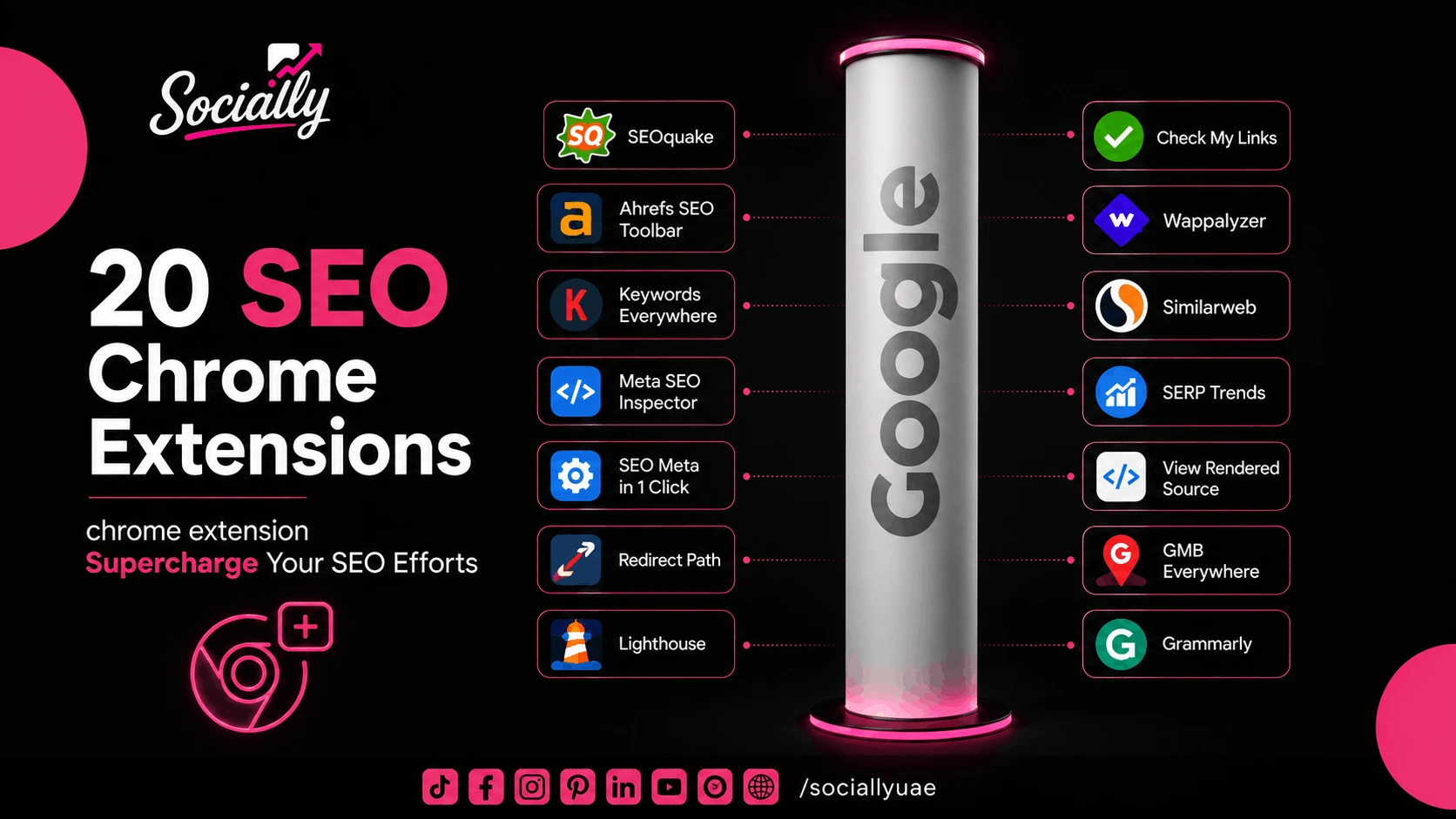
20 SEO Chrome Extensions to Supercharge Your SEO Efforts
Search engine optimization involves more than keyword research and publishing content. Every day, SEO professionals switch between tools to analyze websites, review metadata, inspect technical issues, monitor backlinks, and evaluate competitors. Doing all of that manually takes time.
That’s where Chrome extensions come in.
Instead of opening multiple platforms every few minutes, the right extension lets you gather useful SEO data directly from your browser. These tools can simplify your workflow and help you make faster decisions if you are auditing a website or reviewing a competitor’s page.
But wait.
The smart approach is understanding the genuinely useful extensions instead of installing dozens of browser add-ons.
Continue reading to find out the 20 Chrome extensions worth adding to your SEO toolkit.
The 20 Best SEO Chrome Extensions That Your Page Needs
Most SEO professionals already rely on platforms like Google Search Console or SEO software. Chrome extensions are used to complement these tools.
A good extension helps you:
- Get access to important SEO information instantly
- Spot technical issues while browsing
- Save time during website audits
- Conduct an evaluation of competitors without leaving the page
- Make quicker optimization decisions
If you’re comparing social media packages in Dubai, make sure to ask whether the provider also offers basic SEO audits or on-page optimization, since search and social strategies often work best when planned together.
Here is a detailed overview of each one of them.
SEOquake
SEOquake has remained popular for years because it provides a broad snapshot of a webpage’s SEO data.
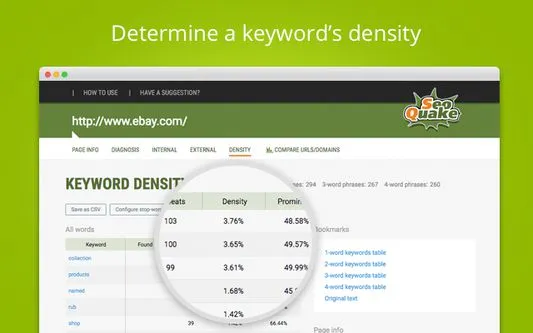
You can review the following with just a single click
- Indexed pages
- Internal and external links
- Keyword density
- Page information
- Basic technical SEO details
It’s beneficial when you are comparing competitor pages without performing a full website audit.
Detailed SEO Extension
Detailed SEO Extension is a great place to start if you regularly perform on-page SEO audits.
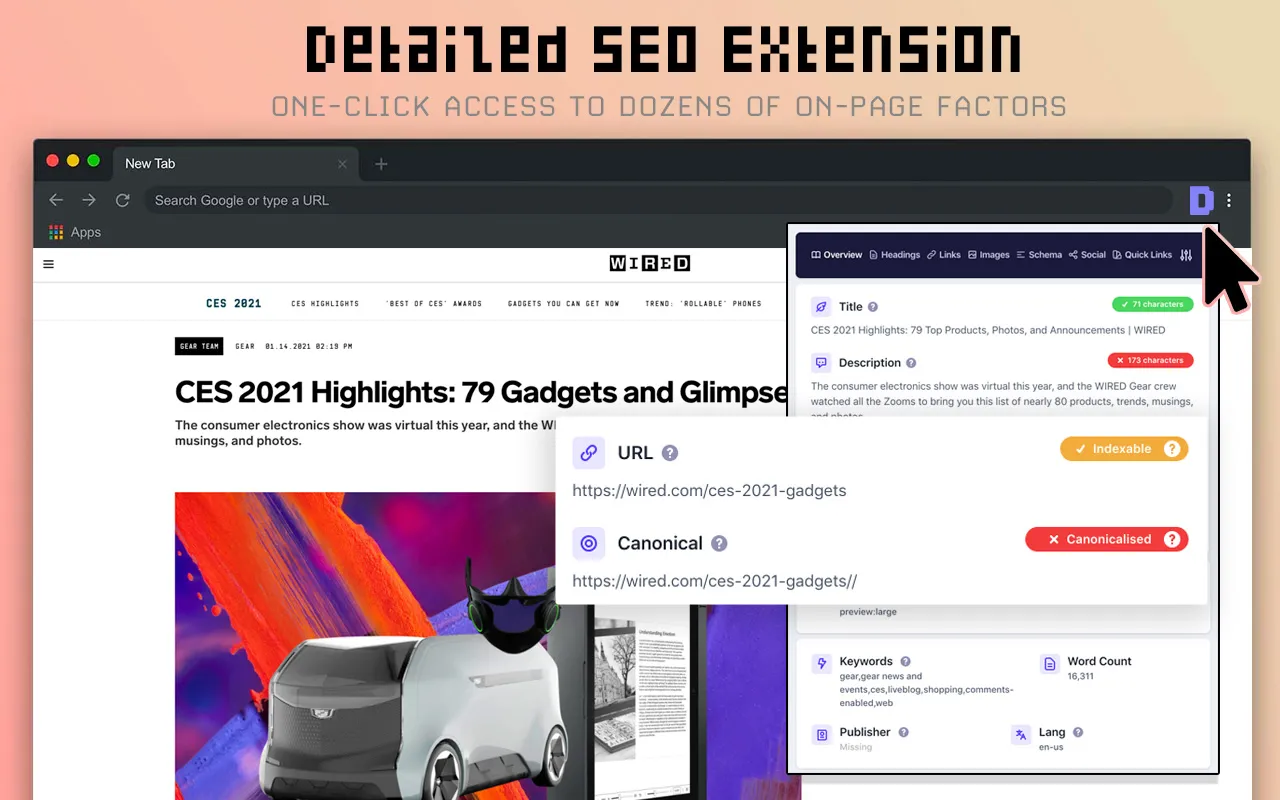
Instead of searching through page code, it displays essential information such as:
- Title tags
- Meta descriptions
- Heading structure
- Canonical tags
- Schema markup
- Image alt text
It’s particularly useful for identifying missing SEO elements or checking whether a page follows basic optimization best practices.
MozBar
MozBar allows you to view important authority metrics while browsing.
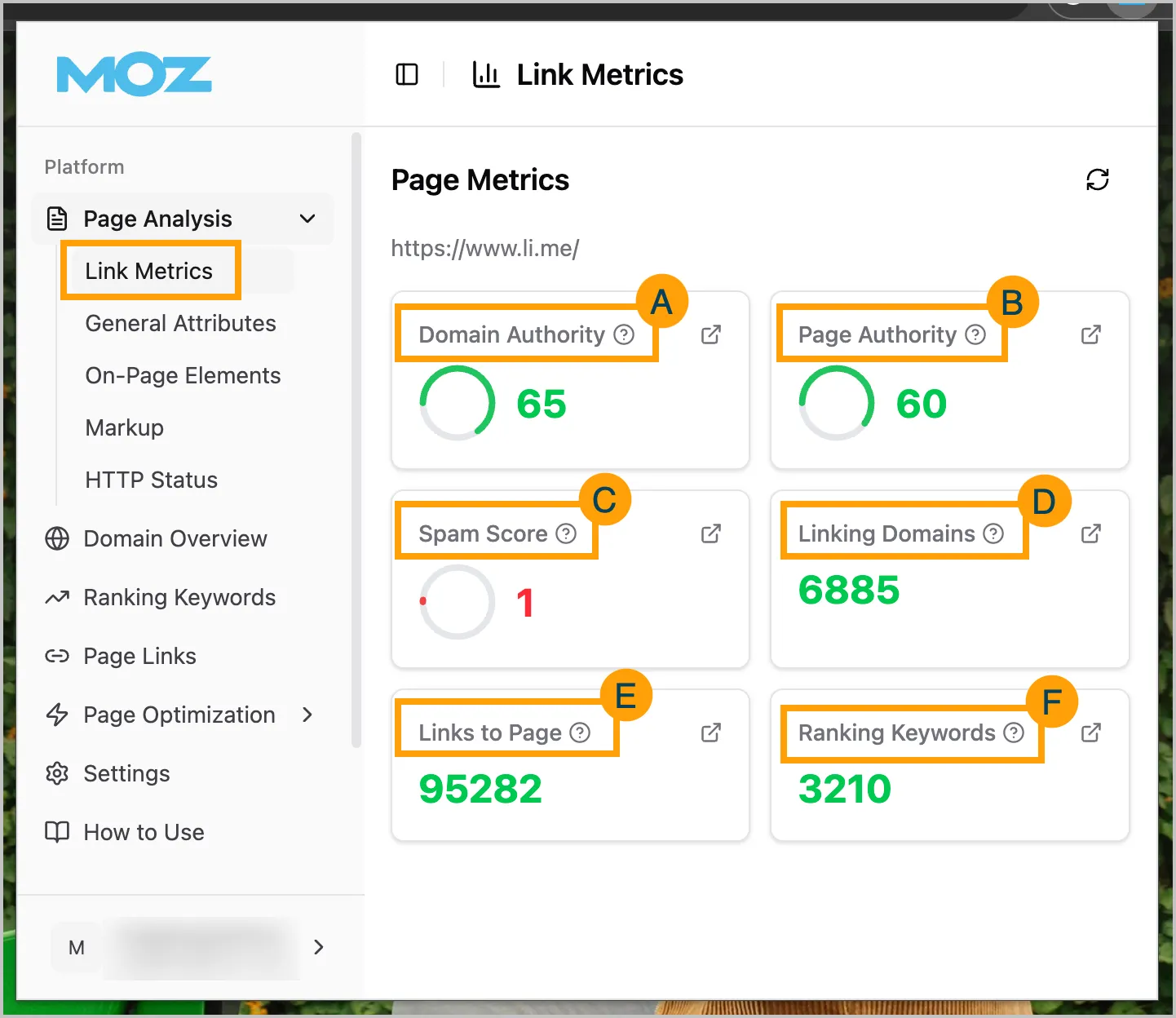
Some of the information includes:
- Domain Authority (DA)
- Page Authority (PA)
- Link metrics
- Follow and nofollow links
Although authority metrics shouldn’t be the only factor in SEO decisions, they’re helpful when evaluating potential backlink opportunities.
Ahrefs SEO Toolbar
If you already use Ahrefs, their Chrome SEO extension integrates naturally into your workflow.
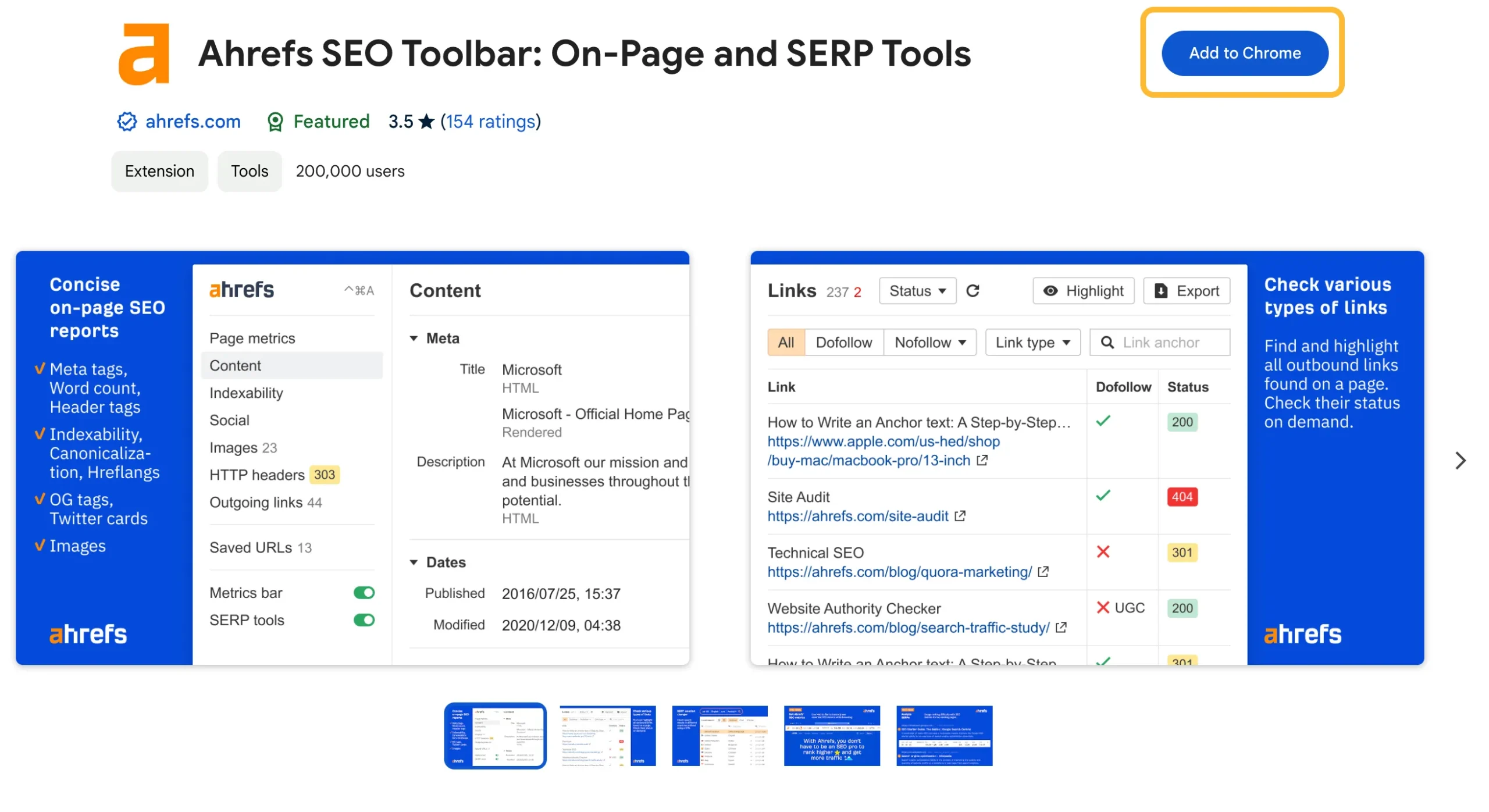
This competitor analysis tool provides quick access to information such as:
- Redirect chains
- HTTP status codes
- Meta tags
- Structured data
- Broken links
The toolbar is particularly useful during technical SEO reviews because it highlights issues that aren’t always obvious when viewing a webpage normally.
Keywords Everywhere
Keyword research doesn’t always need to happen inside an SEO platform. This extension allows you to view useful search data while you browse Google and other websites.
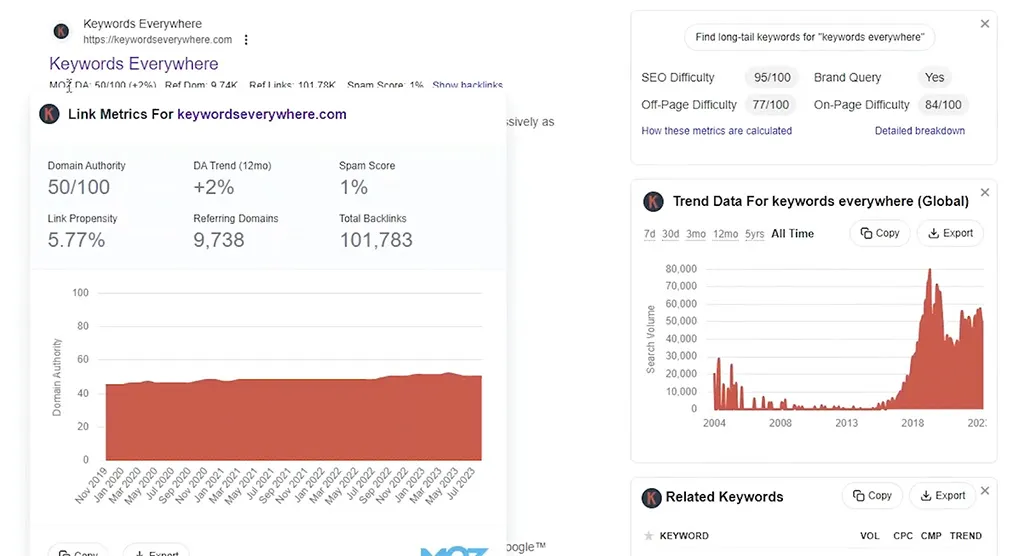
Depending on your subscription, you’ll see metrics like:
- Search volume
- Cost per click (CPC)
- Competition data
- Related keyword suggestions
This makes brainstorming content ideas much faster because keyword opportunities appear while you’re already researching a topic.
SEO Minion
SEO Minion combines several useful tools into one easy SEO extension.
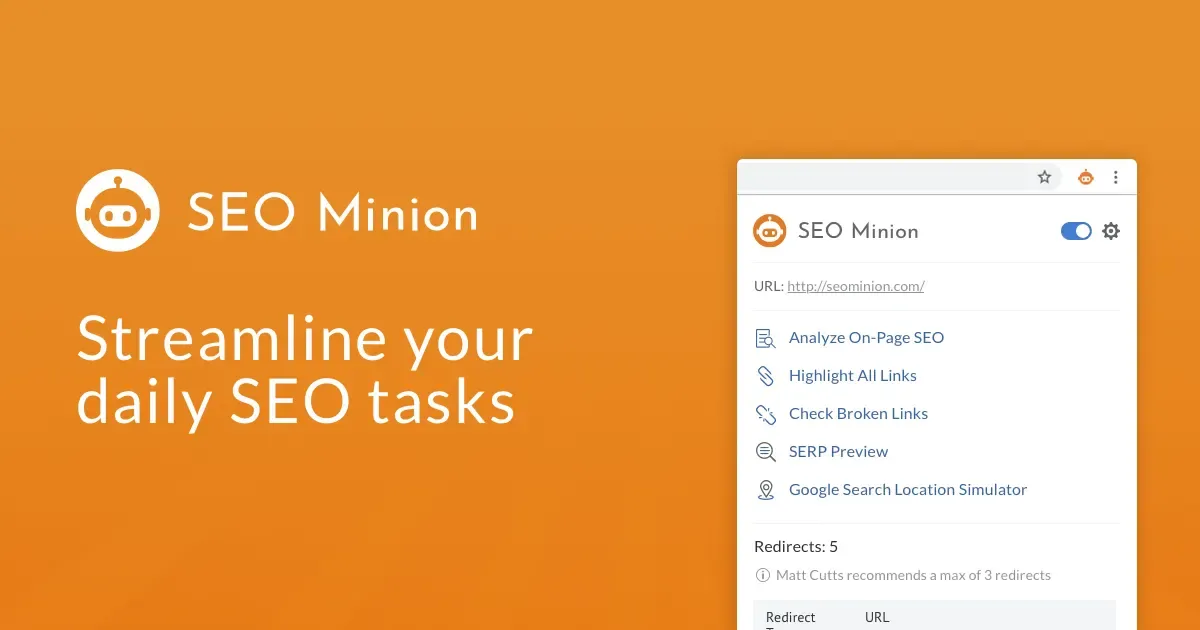
Its features include:
- On-page SEO analysis
- Broken link checking
- SERP preview
- Hreflang validation
- Link highlighting
This extension is useful when you are short on time and can’t use detail SEO extension. You can easily cover everyday tasks within a single browser tool instead of installing multiple extensions for simple checks.
Meta SEO Inspector
If you spend a lot of time checking metadata, Meta SEO Inspector can save you from digging through a page’s source code.
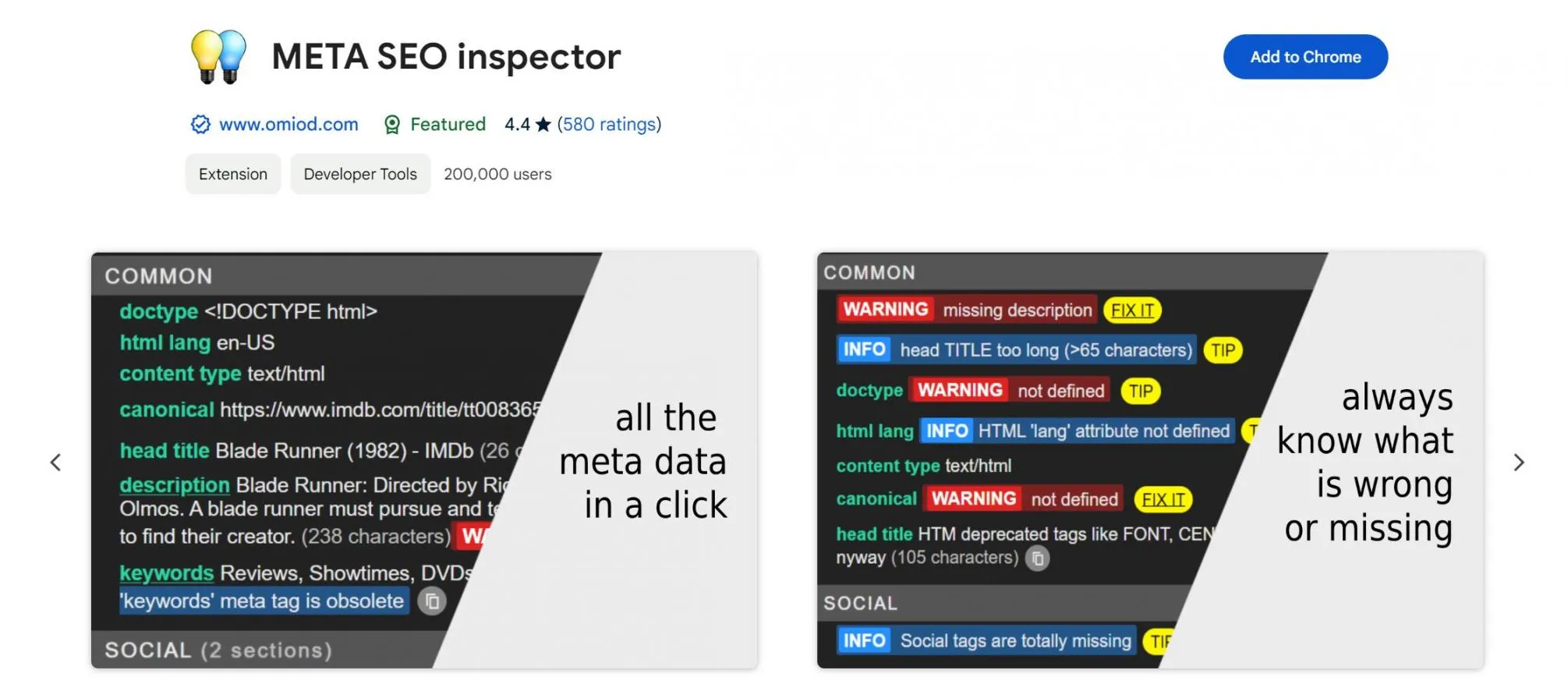
It’s especially useful when reviewing newly published pages or carrying out technical SEO audits, as it helps you spot issues that can go unnoticed.
This SEO extension chrome quickly displays important SEO elements such as title tags, meta descriptions, canonical URLs, robots directives, Open Graph tags, and structured data.
It also flags missing or incomplete metadata that could affect how a page appears in search results.
SEO Meta in 1 Click
Sometimes you just want a quick overview of a webpage without opening multiple tools. That’s exactly what SEO Meta in 1 Click is designed for.
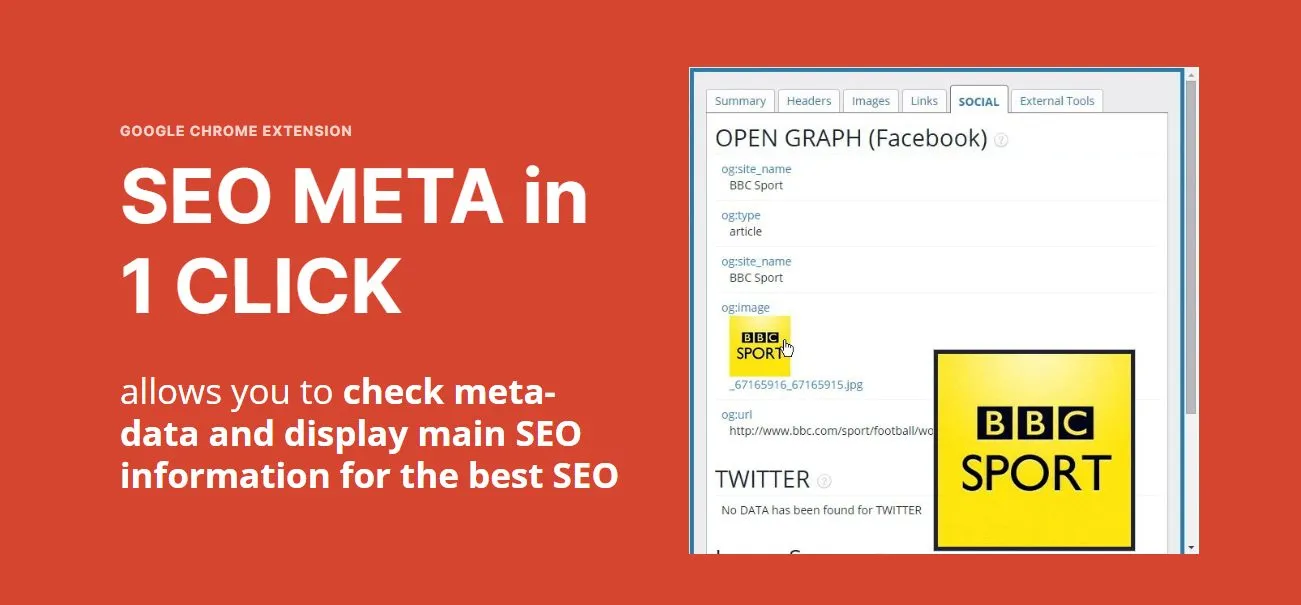
You can review the page title, meta description, headings, image alt attributes, schema markup, internal and external links, and other key on-page SEO elements with just a click. Everything is presented in a simple layout that’s easy to scan.
It’s a practical on page SEO extension for content writers and SEO specialists who want to check whether a page follows basic on-page SEO best practices before publishing content.
Redirect Path
The redirect issues can easily go unnoticed until they affect website performance.
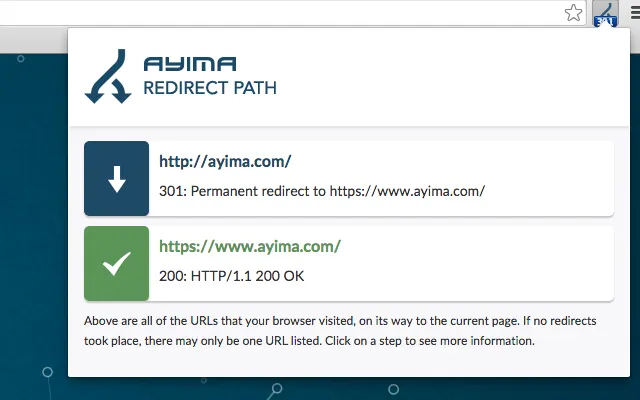
Redirect Path identifies:
- 301 redirects
- 302 redirects
- 404 errors
- 500 server errors
This extension is useful after website migrations or URL updates, helping you confirm that pages redirect correctly without unnecessary redirect chains.
It will also help you catch a redirect issue when you are researching your competitors.
Lighthouse
Lighthouse is built directly into Chrome and is one of the easiest ways to evaluate website performance

It generates reports covering:
- Performance
- Accessibility
- Best practices
- SEO
- Core Web Vitals
This extension provides valuable technical insights that can improve both user experience and search visibility.
Many agencies offering Seo services UAE use paid and advanced Chrome extensions during technical audits because they provide quick insights regarding your website performance.
Check My Links
Broken links create a poor user experience and can hurt your site’s credibility. Checking them on pages with multiple links isn’t a practical approach.
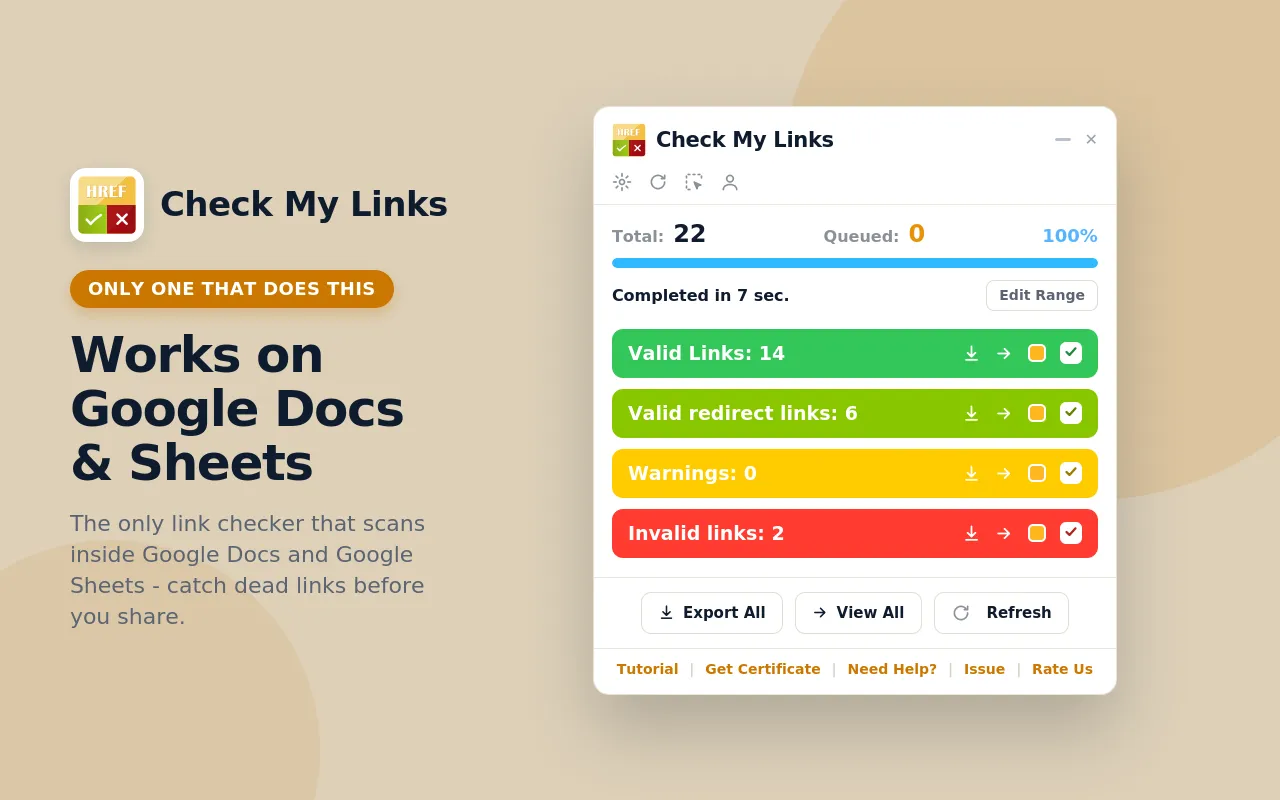
Check My Links scans a webpage in seconds and highlights working and broken links using different colors, making it easy to spot issues that need attention.
It’s particularly helpful when reviewing older blog posts or resource pages that haven’t been updated for a while.
Link Redirect Trace
Not every redirect is as simple as it looks.
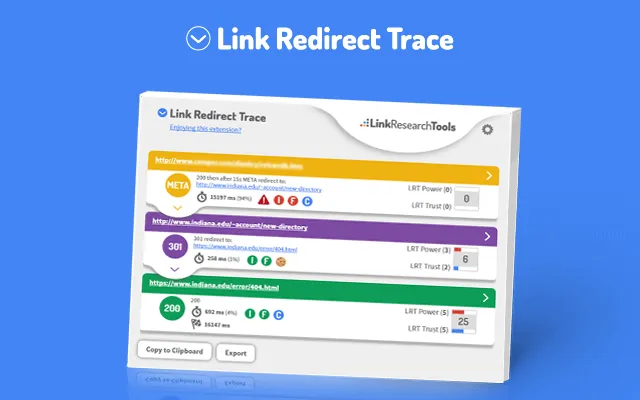
Link Redirect Trace provides a detailed breakdown of the entire redirect journey, showing whether a URL passes through multiple redirects before reaching its final destination.
This Seo extension can help identify:
- Redirect chains
- Temporary redirects
- Canonical issues
- HTTP response codes
This information saves a lot of time for technical SEO audits.
Wappalyzer
Understanding the technology behind a website can provide some really valuable competitive insights.
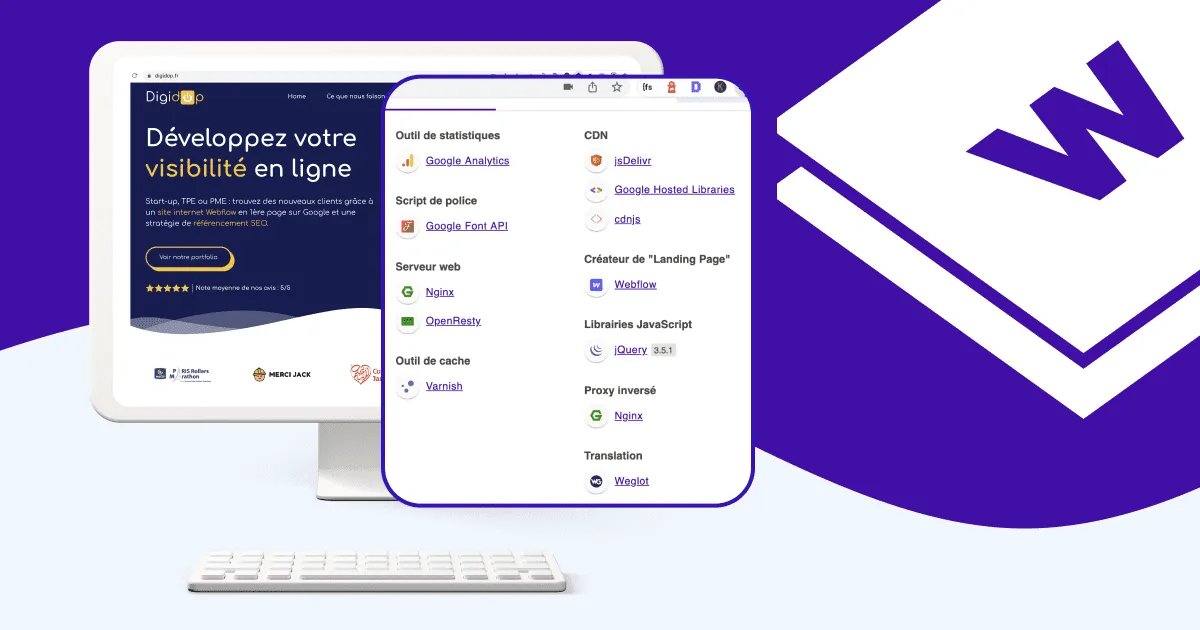
Wappalyzer identifies the platforms and tools running behind a webpage, including:
- Content Management Systems (CMS)
- Analytics platforms
- E-commerce software
- Marketing tools
- JavaScript frameworks
It is not strictly an SEO extension, but knowing how a website is built often helps in explaining performance, indexing behavior, and technical limitations.
Similarweb
Traffic estimates can help you understand your competitor’s online presence.
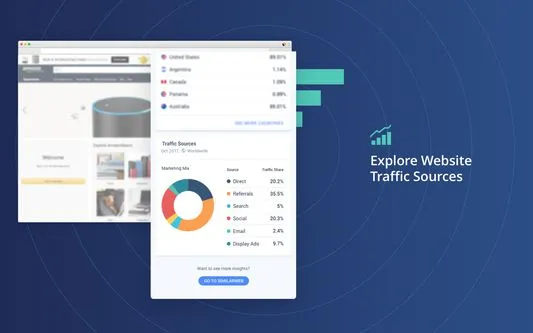
This SEO extension for chrome provides quick insights into:
- Estimated website traffic
- Traffic sources
- Visitor locations
- Engagement metrics
Although these figures are estimates rather than exact analytics, they’re useful for comparing websites within the same industry and can also help you identify new opportunities.
SERP Trends
SERP Trends SEO extension shows whether a result has moved up, dropped down, or remained in the same position since your previous searches. This makes it much easier to spot ranking fluctuations at a glance and identify keywords that may need further attention.
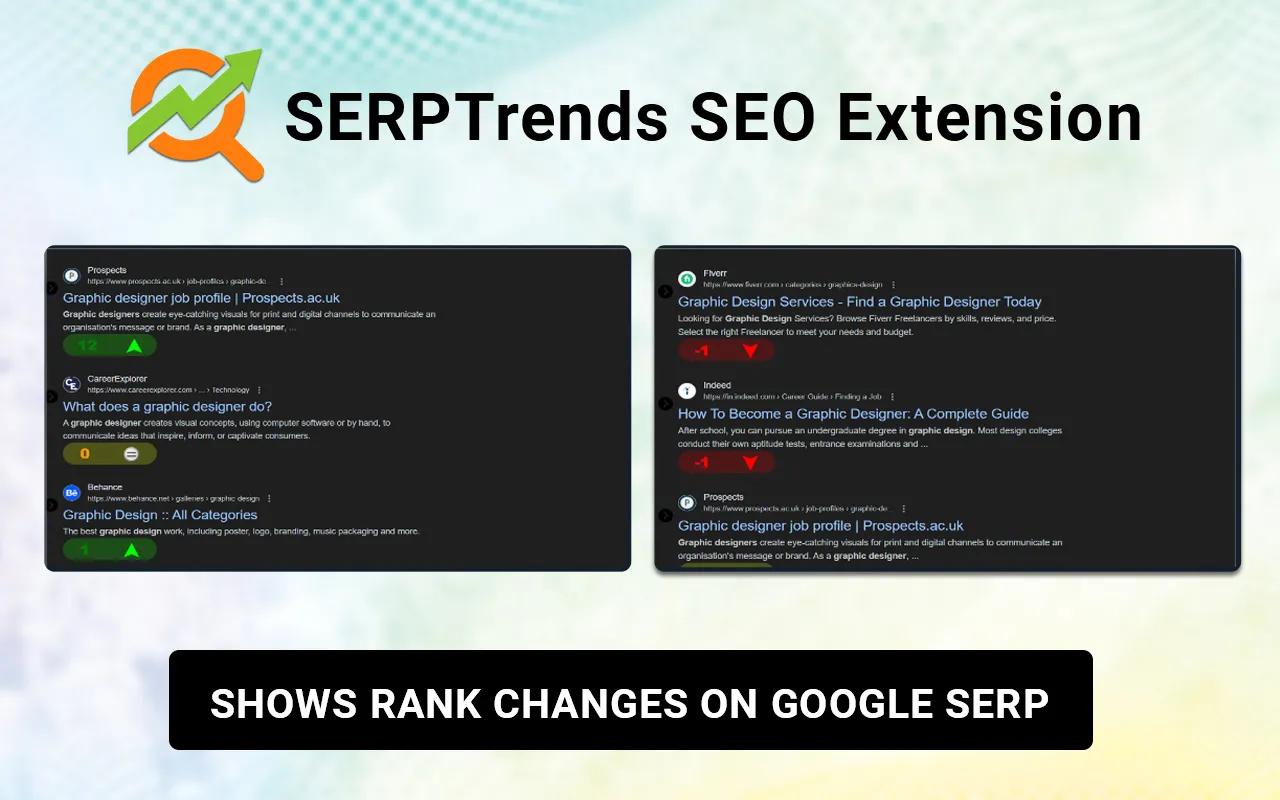
The extension is particularly helpful for:
- Tracking changes in keyword rankings over time.
- Identification of pages that have gained or lost visibility.
- Monitoring competitor movement in search results.
- Evaluation of the impact of recent SEO updates or content changes.
Web Developer
Technical SEO often involves more than keywords.
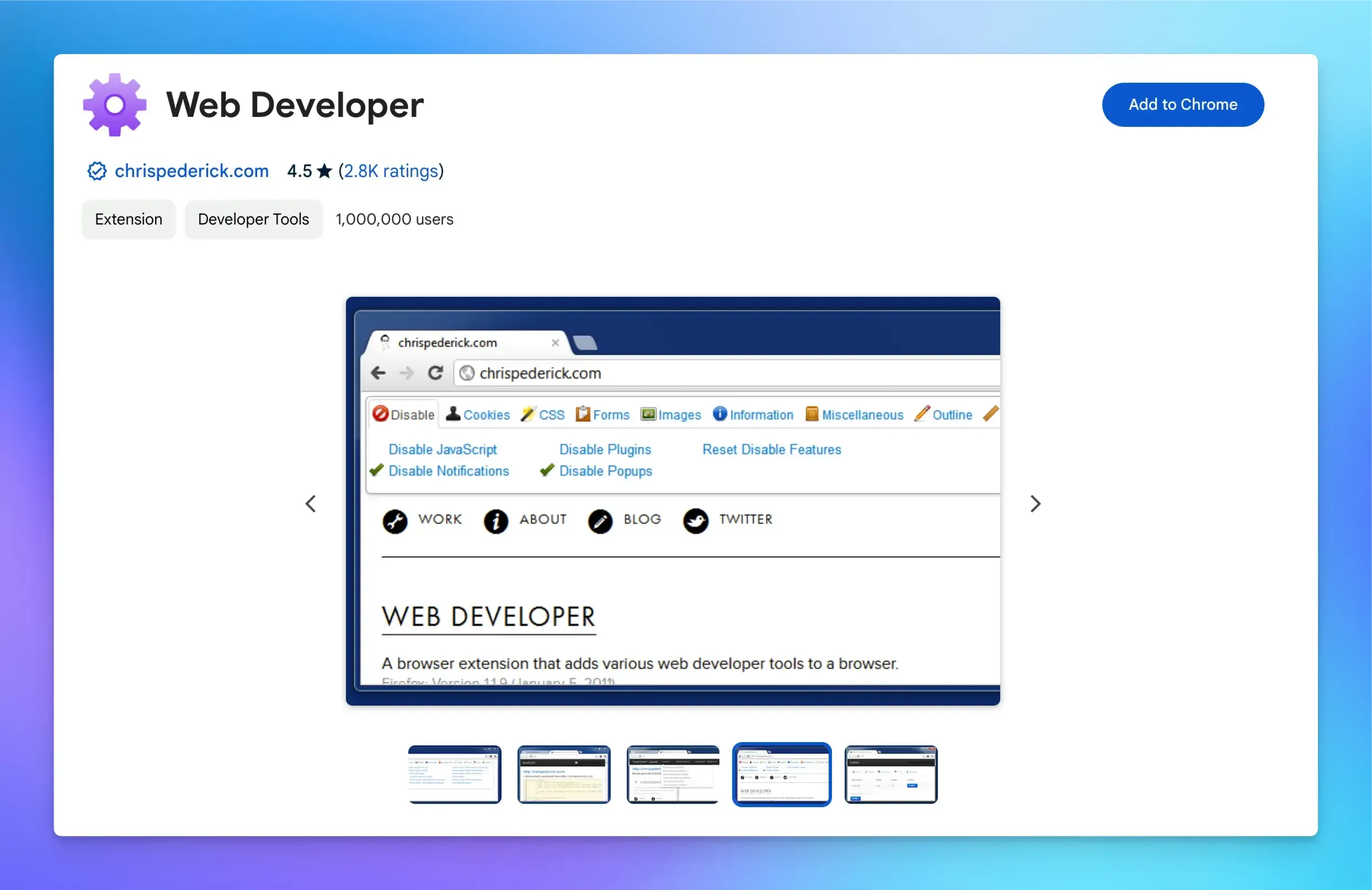
This best SEO extension includes several features that help you inspect webpages more closely.
For example, you can:
- Disable JavaScript
- Display image attributes
- Highlight headings
- Examine page structure
- Inspect form elements
Although developers frequently use it, SEO specialists also rely on it during technical audits.
View Rendered Source
Modern websites often rely heavily on JavaScript, which means the original page source doesn’t always match what search engines eventually process.
View Rendered Source lets you compare the original HTML with the rendered version, which makes it easier to identify indexing or rendering issues.
This can be beneficial when investigating pages that aren’t performing as expected in search results.
Hunter
Finding the right contact information can be one of the biggest challenges during link-building or digital PR campaigns.
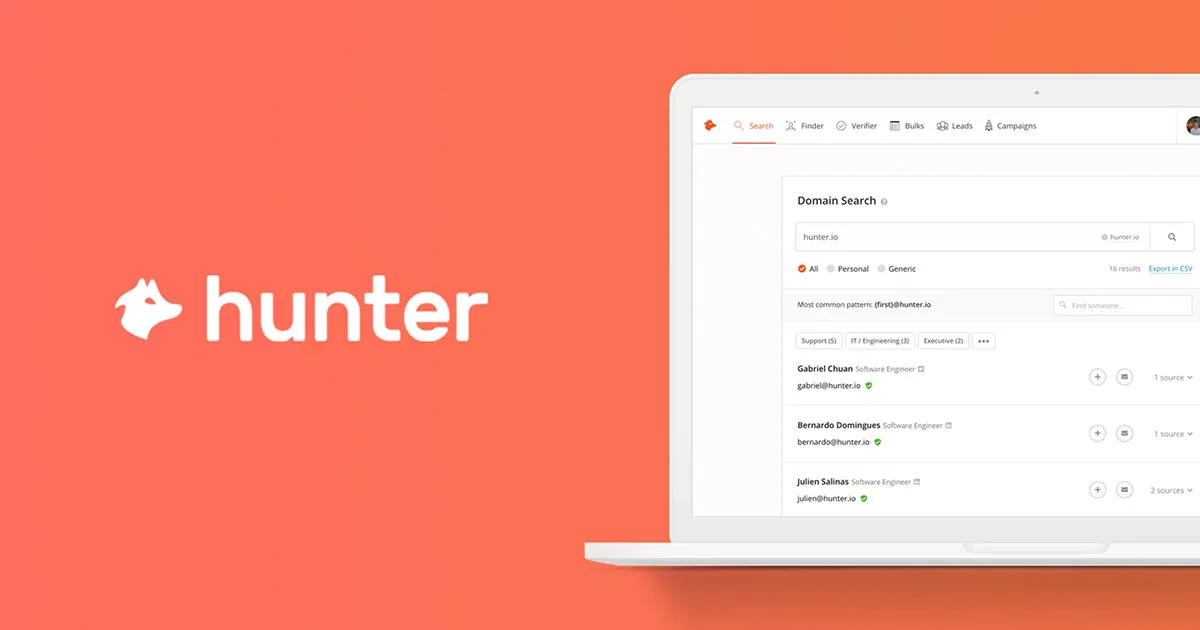
It is considered the best Google Chrome SEO extension that helps you locate publicly available professional email addresses associated with a website, making outreach more efficient.
Instead of spending time searching through multiple pages, you can quickly identify the best contact for partnerships and guest posting opportunities.
GMB Everywhere
GMB Everywhere is a useful research tool to boost your content marketing efforts.
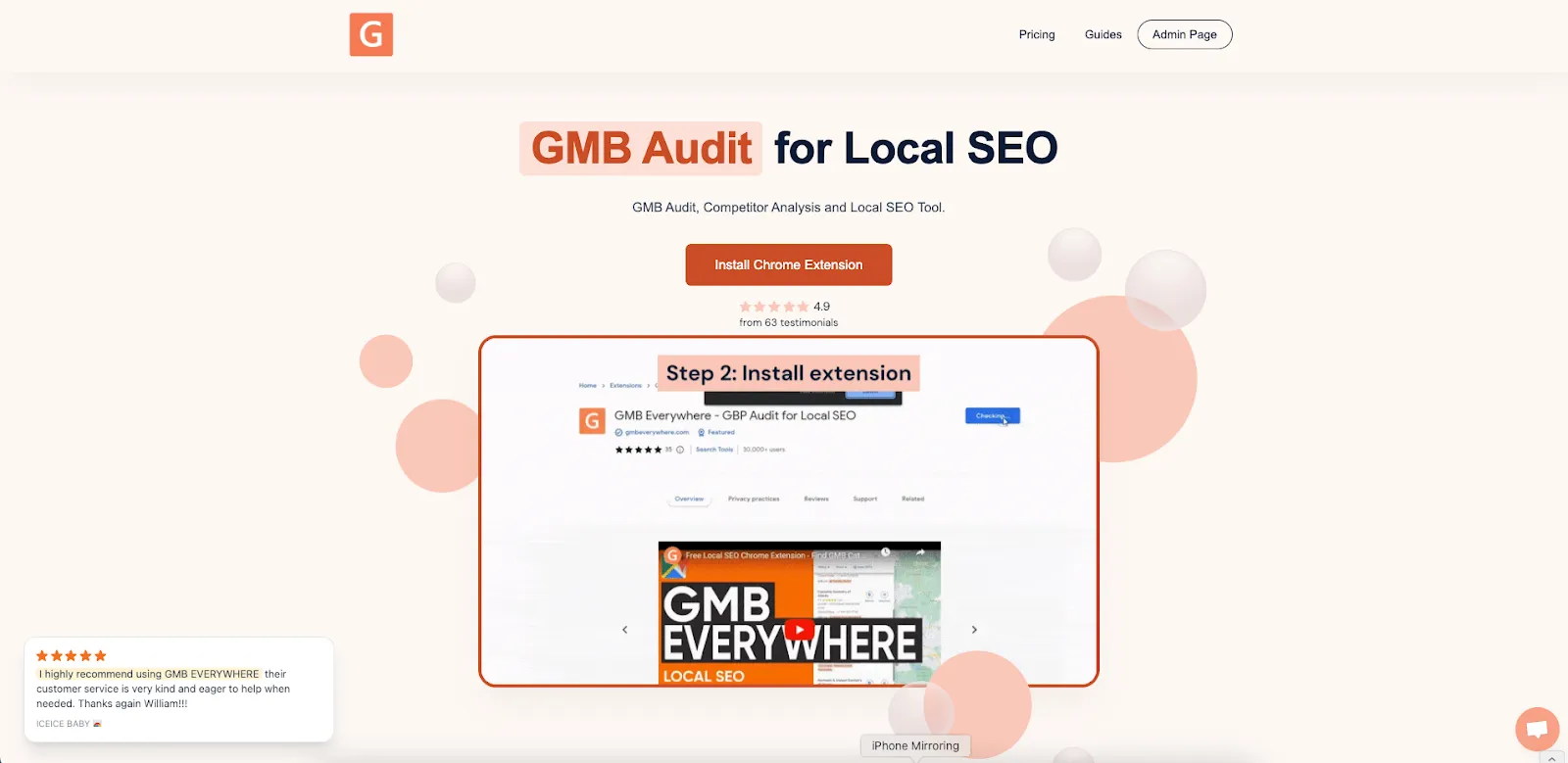
It provides additional insights into Google Business Profiles, helping you evaluate:
- Business categories
- Customer reviews
- Profile optimization
- Local competitors
This extension can uncover opportunities if local search visibility is part of your SEO strategy.
Also, remember that if you are investing in professional social media marketing UAE, working on these basic SEO browser extensions can be beneficial.
This is because stronger search visibility and well-optimized content often support better engagement across multiple digital channels.
Grammarly
Grammarly isn’t directly an SEO tool, but it will play a key role in your content quality.
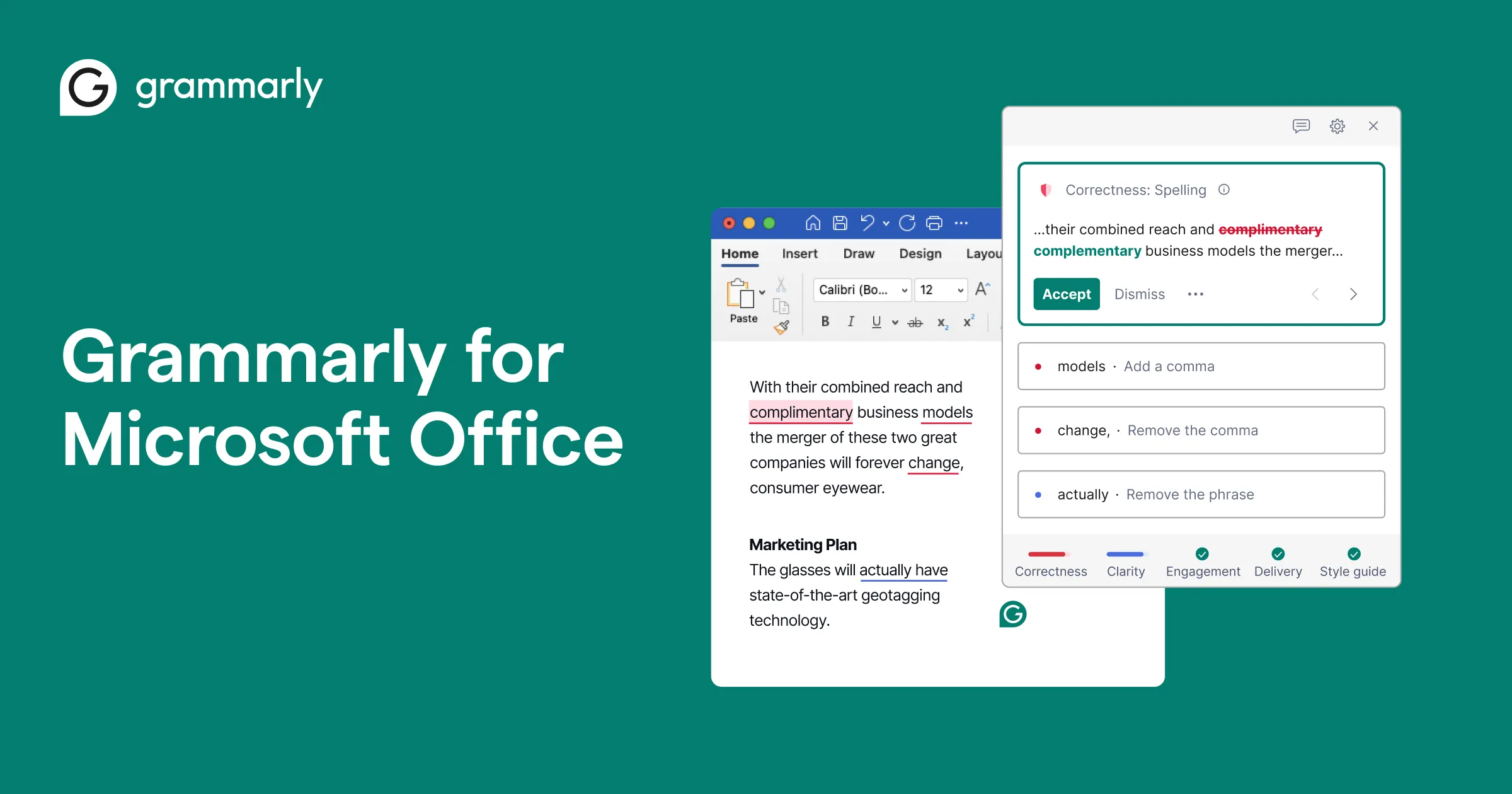
Search engines prioritize content that provides a positive user experience, and poor grammar or awkward writing can reduce credibility.
Grammarly helps identify:
- Grammar mistakes
- Spelling errors
- Punctuation issues
- Readability improvements
It’s best viewed as a proofreading assistant to improve the quality of the content you are posting.
FAQS
Are SEO Chrome extensions free of cost?
SEO Chrome extensions are available in both paid and free versions, depending on their functionality. It is up to one’s preference whether they will opt to install a paid version, which is more functional than the free one.
Can Chrome extensions substitute SEO software?
Chrome extensions cannot substitute SEO software. Although Chrome extensions can be used to analyze a website’s SEO, SEO software is more detailed than they are.
Will having many Chrome extensions installed affect my browser performance?
It may. The installation of many Chrome extensions affects the speed of your browser since they consume a lot of the computer’s memory space.
Wrapping Up
SEO Chrome extensions won’t replace the SEO platforms, but they can surely improve the way you work. Each of them is created for a reason, and selecting the one that matches your SEO approach will undoubtedly save you precious time and make your tasks more efficient.

I am veteran digital marketing strategist and the visionary writer behind this blog. With years of experience in helping businesses grow their online presence across platforms like Instagram, TikTok, Facebook, and LinkedIn, I am passionate about translating complex marketing trends into actionable insights that brands can use to connect authentically with their audiences.